Extranet
Intranet vs extranet: Extend your workplace
Intranet vs extranet – a secure extension to your digital workplace. Collaborate with stakeholders and partners simply with an enterprise extranet.
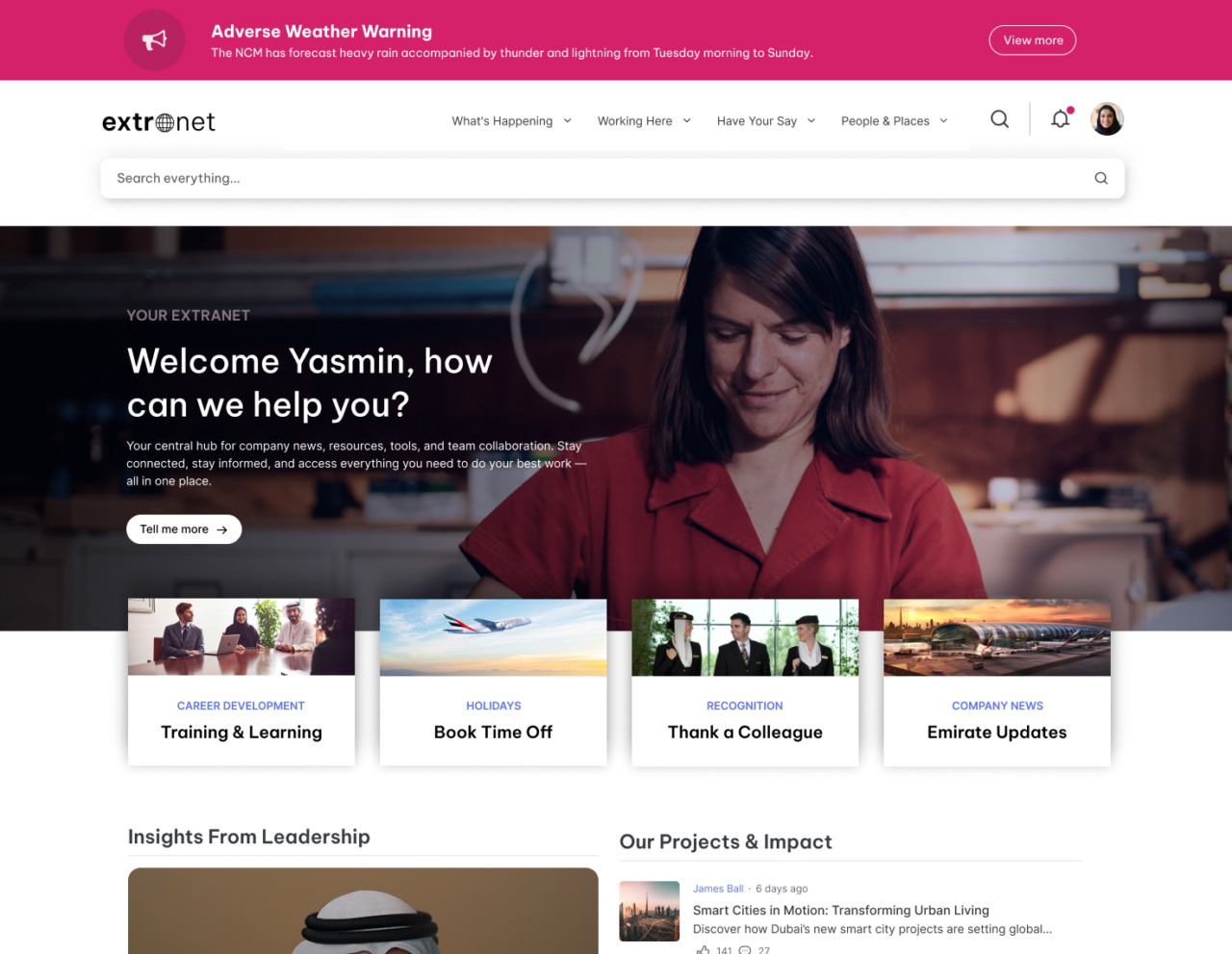
Intranet vs extranet: how enterprises extend their value
Make external collaboration effortless and valuable
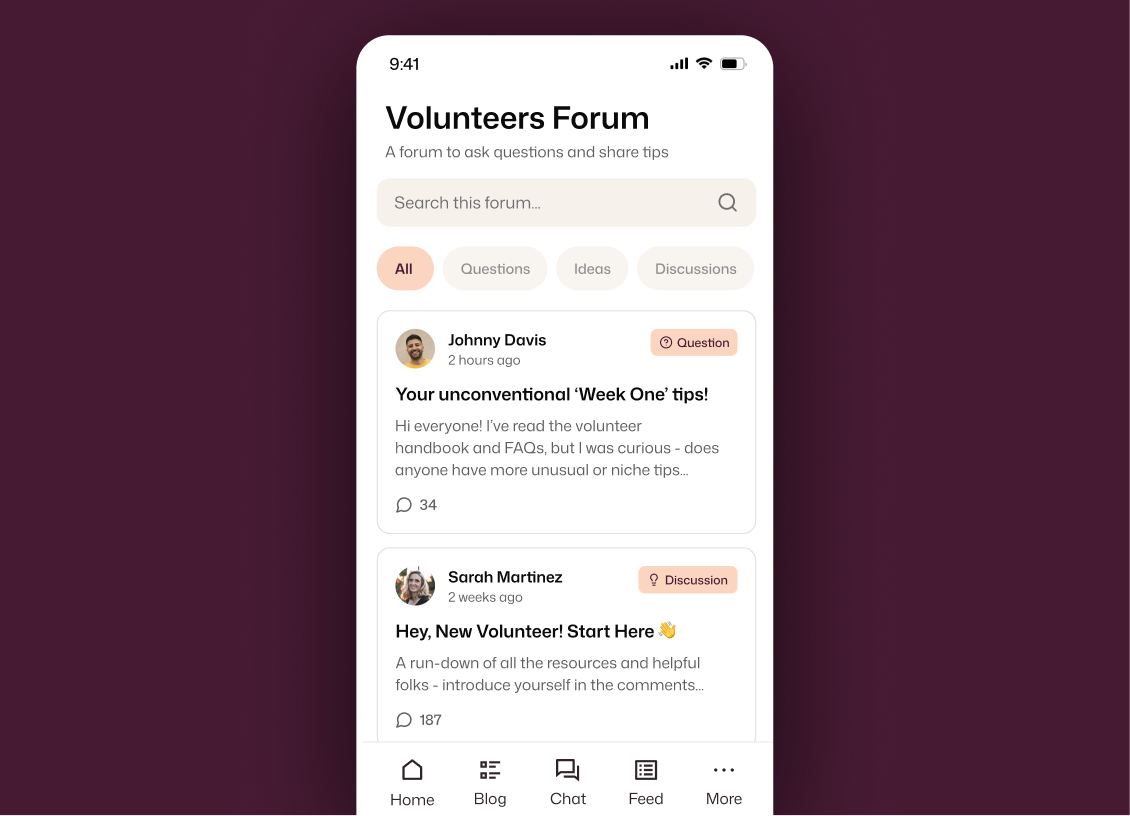
Personalized Experience for External Audiences
Personalized and protected
Deliver custom homepages and navigation for partners, volunteers, and contractors — while protecting your sensitive data. This intranet extranet approach ensures every audience sees only what’s relevant to them.
- Boost engagement: External users see only what’s relevant.
- Protect privacy: Role-based permissions keep data secure.
- Deepen partnerships: Give stakeholders the tools they need.
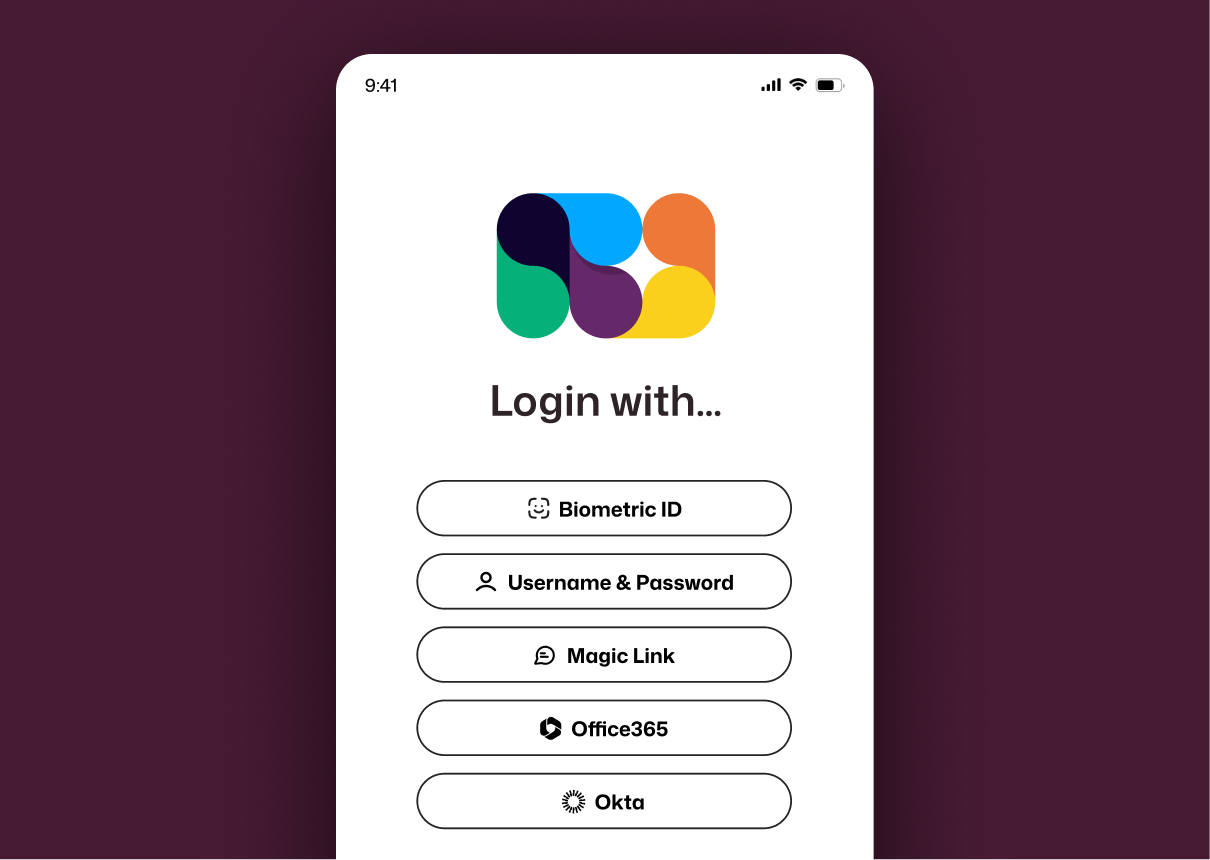
Flexible Authentication Options
Immediate secure access
Grant access in minutes with magic links, SSO, or multi-factor authentication — no extra accounts required. For teams exploring how to set up an extranet, Interact offers flexible authentication to provide simple ease of access.
- Reduce IT burden: No complex setup or manual provisioning.
- Accelerate onboarding: External users get access fast.
- Maintain compliance: Security-first, without slowing work.
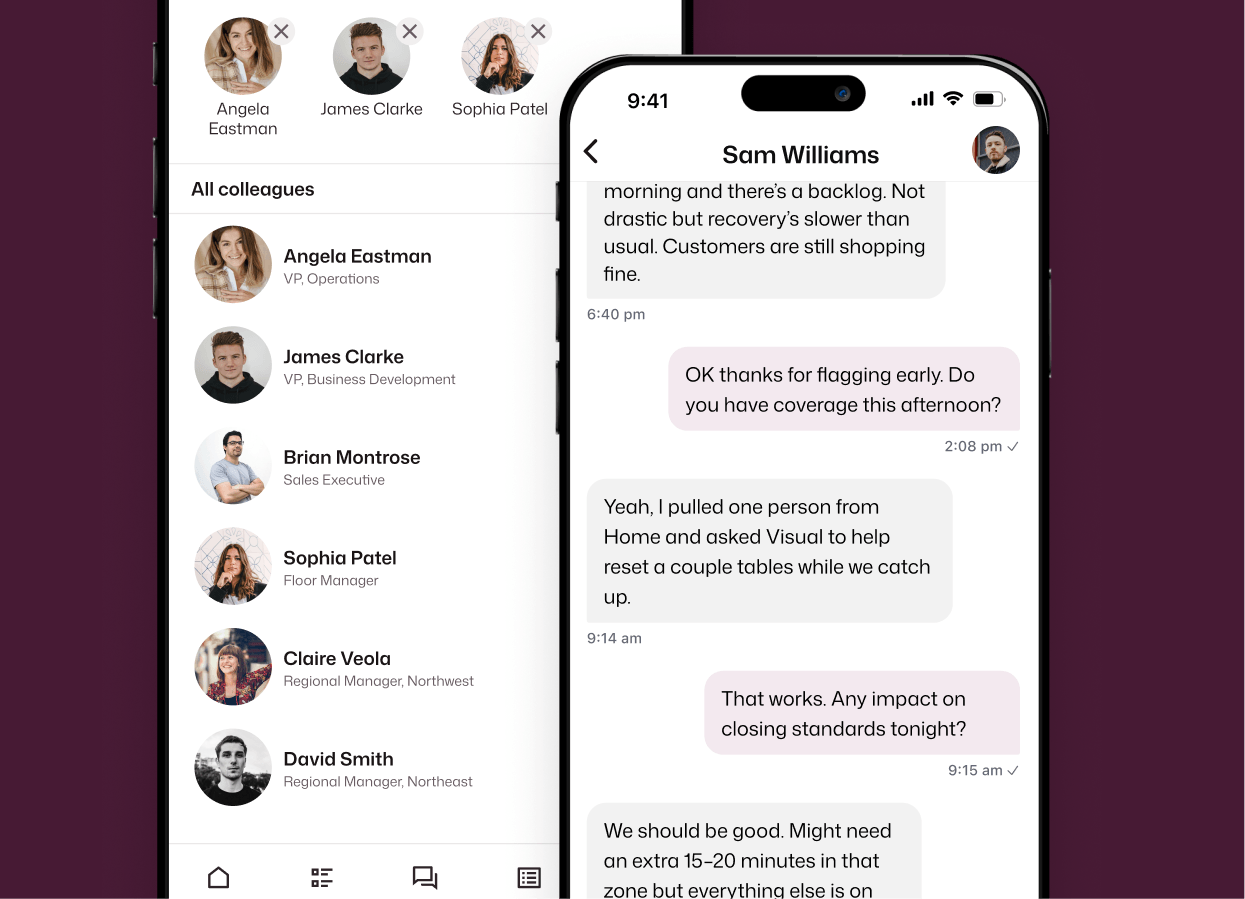
Mobile-friendly Collaboration
Work together anywhere
Your external partners are essential to your operations. Give external audiences the same mobile experience as internal teams so collaboration continues whenever inspiration strikes.
- Maximize reach: Everyone stay informed, everywhere.
- Boost productivity: Access resources anytime, anywhere.
- Build trust: Deliver a consistent brand across every device.
Public Pages for Open Access
Share what matters today
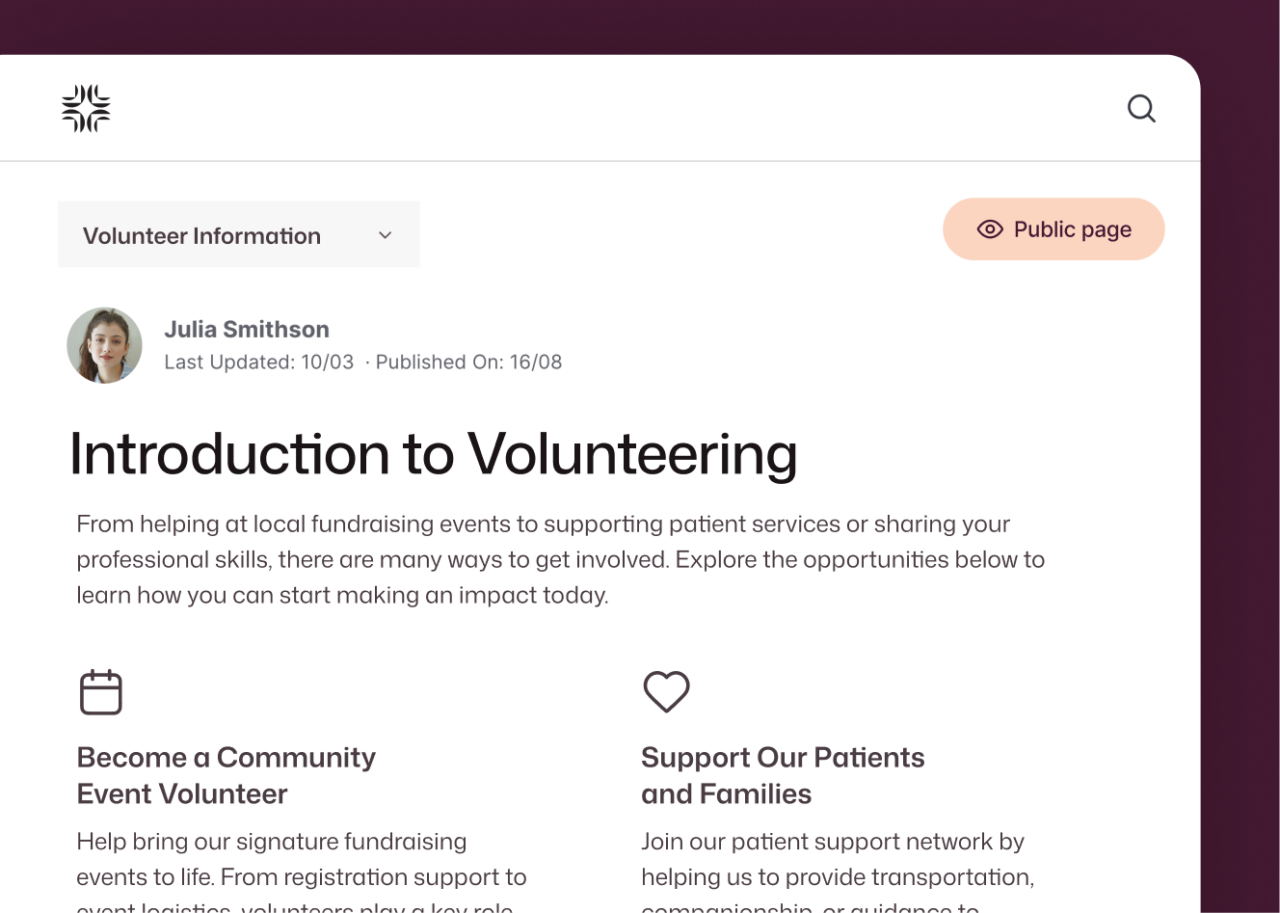
Make selected content available to anyone, with no login required, while keeping sensitive information protected for those that require it. Sharing what matters instantly is what keeps productivity flowing.
- Increase visibility: Share updates externally with ease.
- Reduce friction: No extra steps for non-sensitive content.
- Maintain control: Decide what’s public and what’s private.
FAQs
What is an extranet and how does it differ from an intranet?
When comparing intranet vs extranet capabilities, the distinction is simple: an extranet is a secure extension of your intranet that provides external audiences — such as partners and contractors — access to resources and collaboration tools.
How does Interact ensure extranet security?
Interact meets ISO 27001, GDPR, and SOC 2 standards, with encryption, granular permissions, and flexible authentication options to protect sensitive data.
Can content within the extranet be personalized for different external audiences?
Yes. You can tailor content and navigation for partners, volunteers, and contractors using audience-based permissions and custom homepages.
How quickly can external users access the extranet?
Access can be granted in under five minutes using magic links, with no VPN or extra accounts required. If you’re looking at how to set up an extranet quickly, Interact makes the process simple.
Can content on the extranet be made available for the general public?
Yes. Public pages allow you to share selected information without requiring login, making it easy to provide open access wherever its needed.